ECN Viewer
ECN Viewer is the browser-based control plane for Datasance PoT. It mirrors nearly every potctl capability—deploying applications, editing resources, inspecting telemetry, and opening remote shells—without requiring local tooling. The only operations that still require potctl are the initial installation of Controllers and Agents.
Access and Configuration
- The Viewer is served directly by the Controller. Configure the HTTP/S port with the
VIEWER_PORTenvironment variable (defaults to80). - Authentication and authorization follow the same Keycloak-backed RBAC rules as potctl, so users only see and manage namespaces permitted by their role.
What You Can Do
ECN Viewer enables you to:
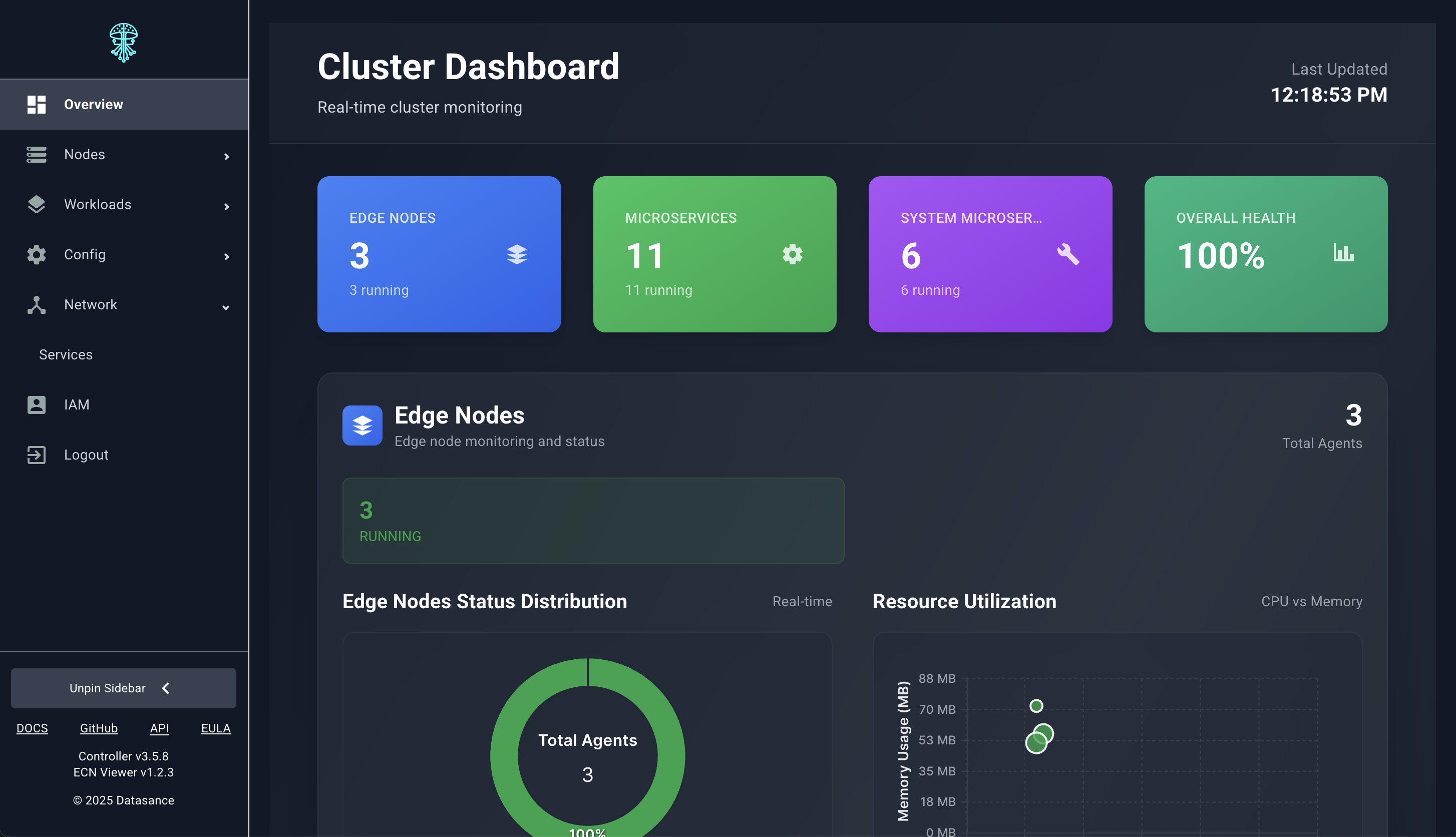
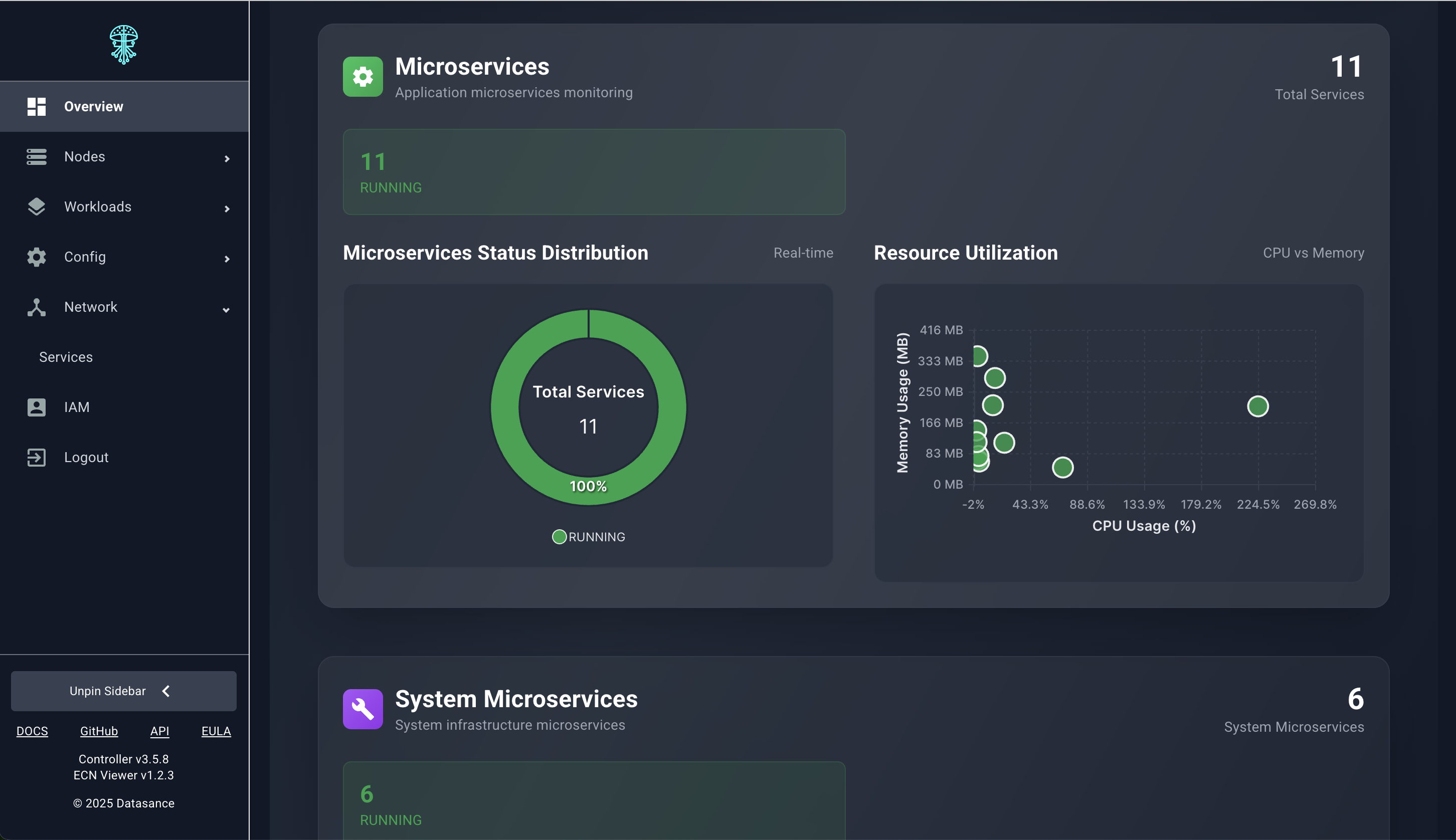
- Monitor overall ECN health, capacity, and activity timelines.
- Inspect the full Agent fleet, open remote terminals, and edit Agent YAML definitions in place.
- Manage microservices and applications (deploy, start/stop, scale, and reroute traffic).
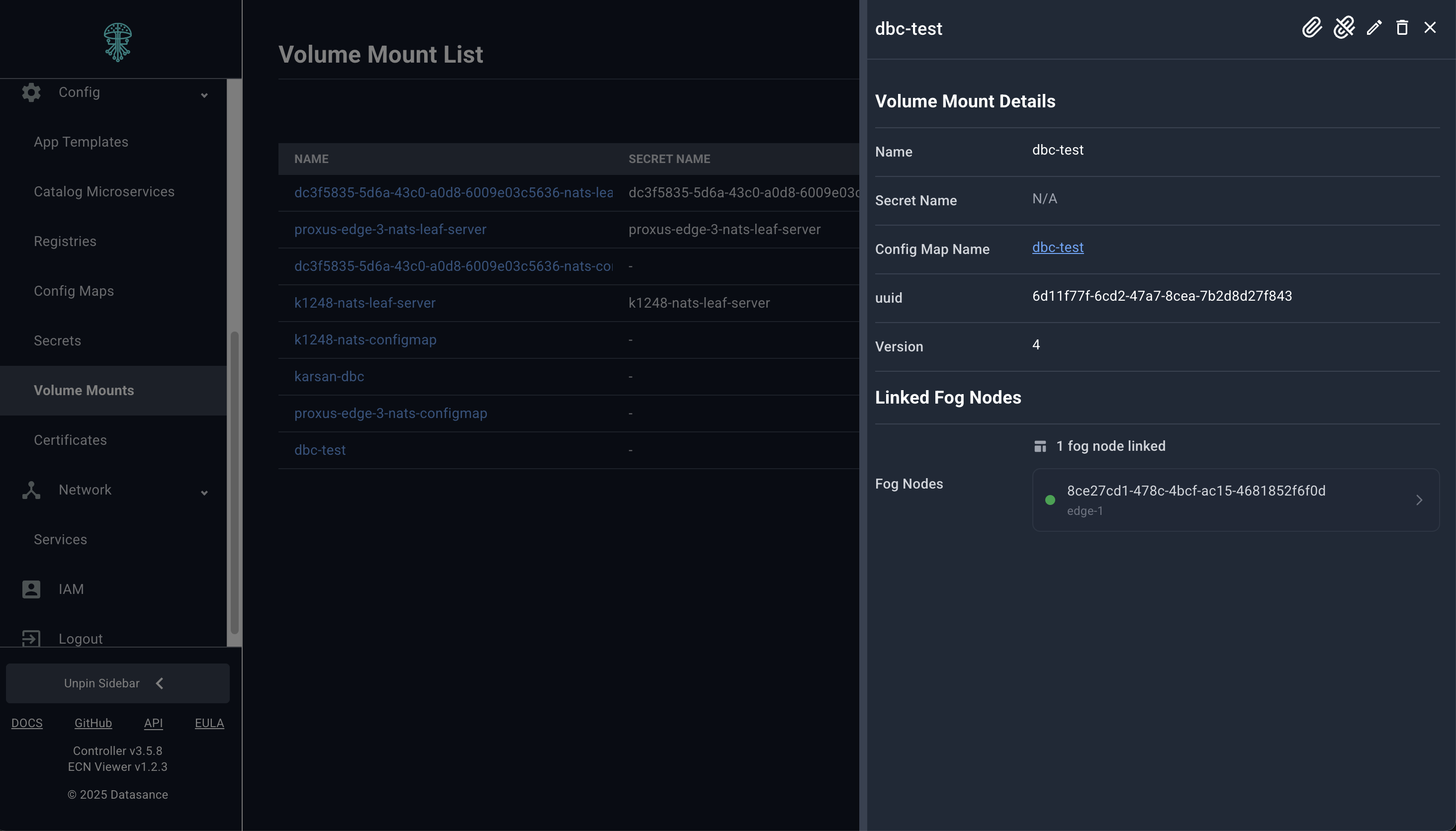
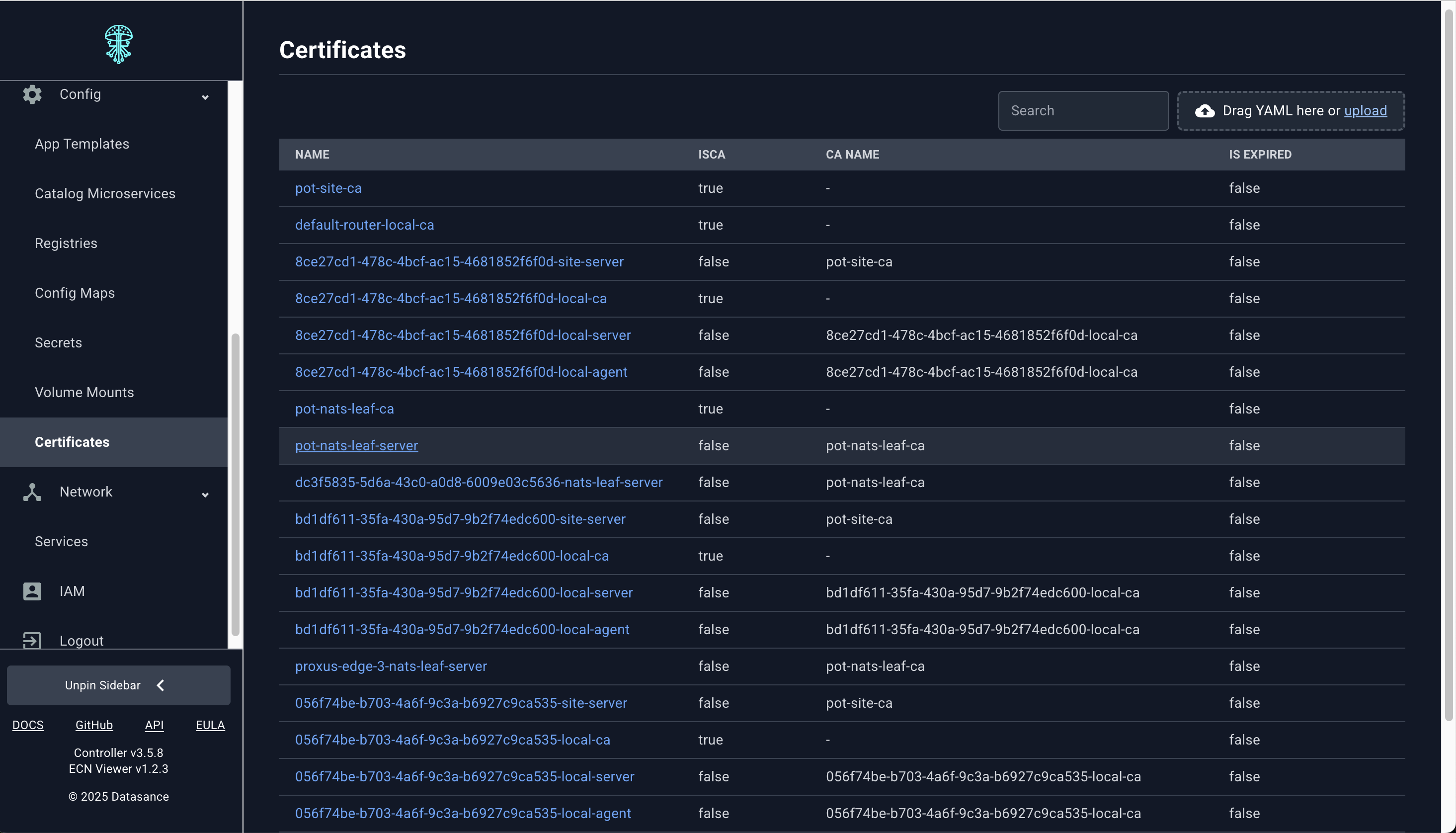
- Administer supporting resources such as registries, catalogs, services, ConfigMaps, Secrets, certificates, and volume mounts.
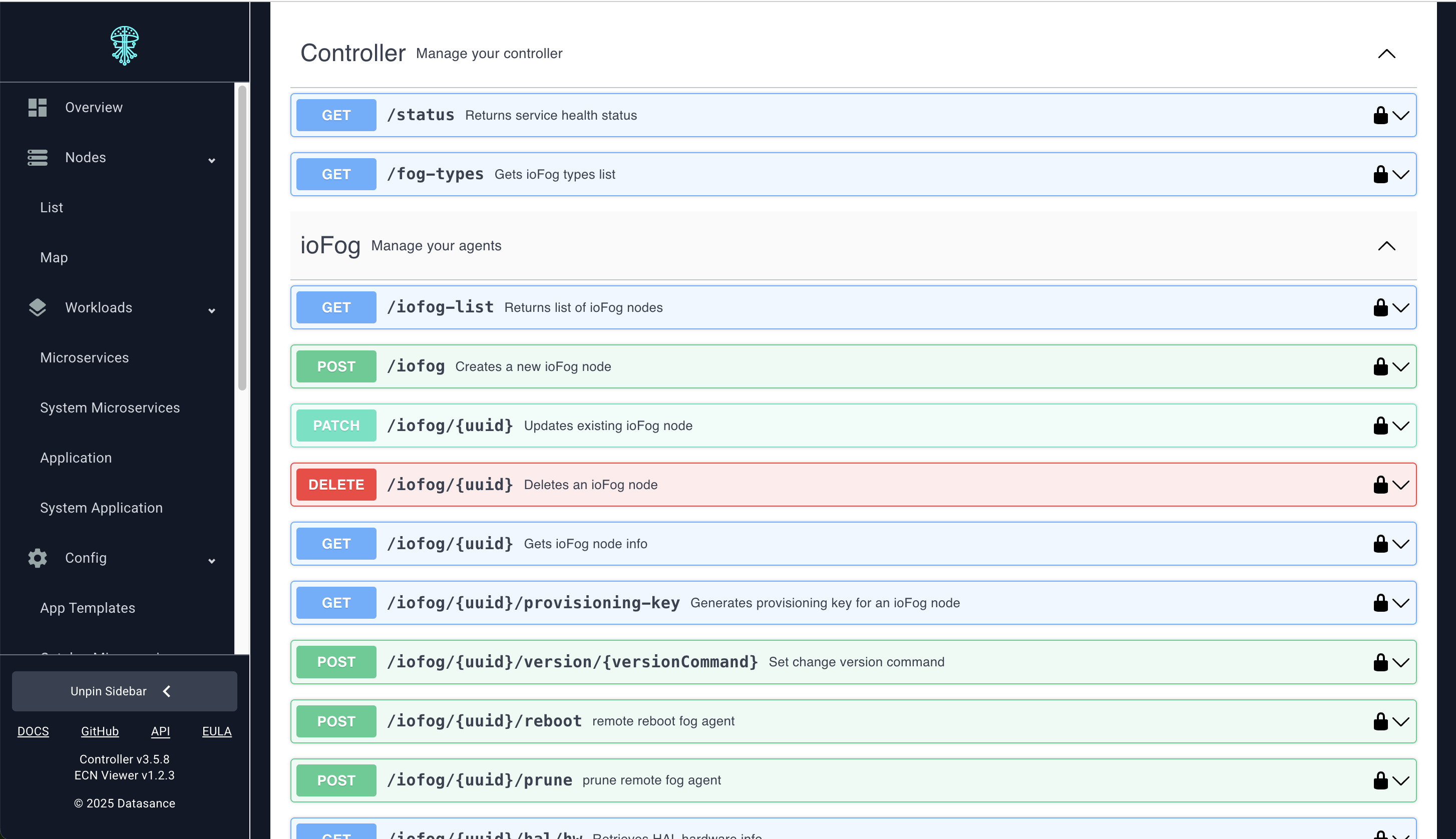
- Launch Controller REST API calls directly from the browser for advanced scenarios.
Global Dashboards
The landing dashboards provide snapshots of cluster utilization, alerts, and deployment progress.
Agent Operations
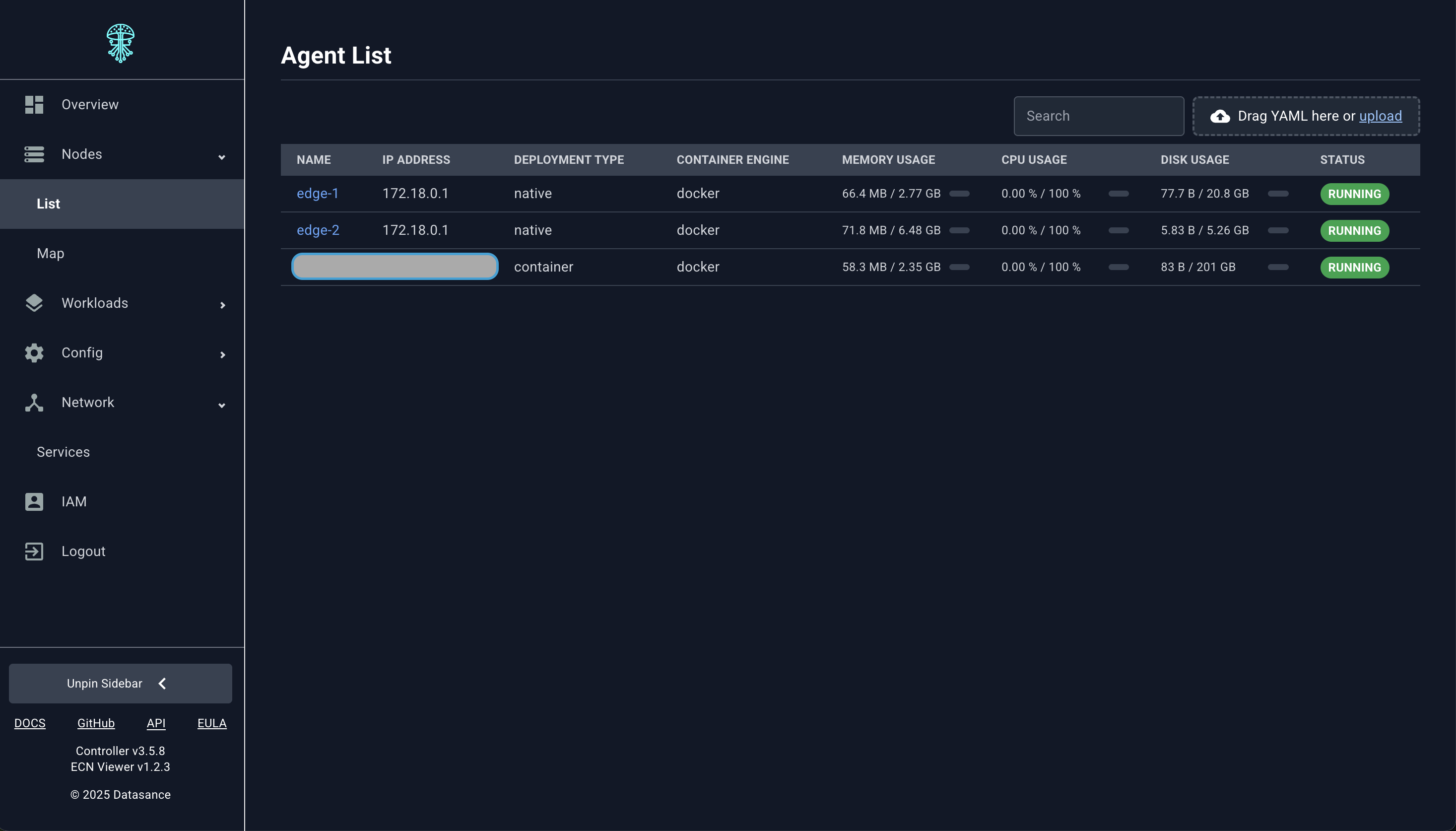
Fleet Inventory
Review every Agent’s status, resource usage, and running workloads from the inventory table.
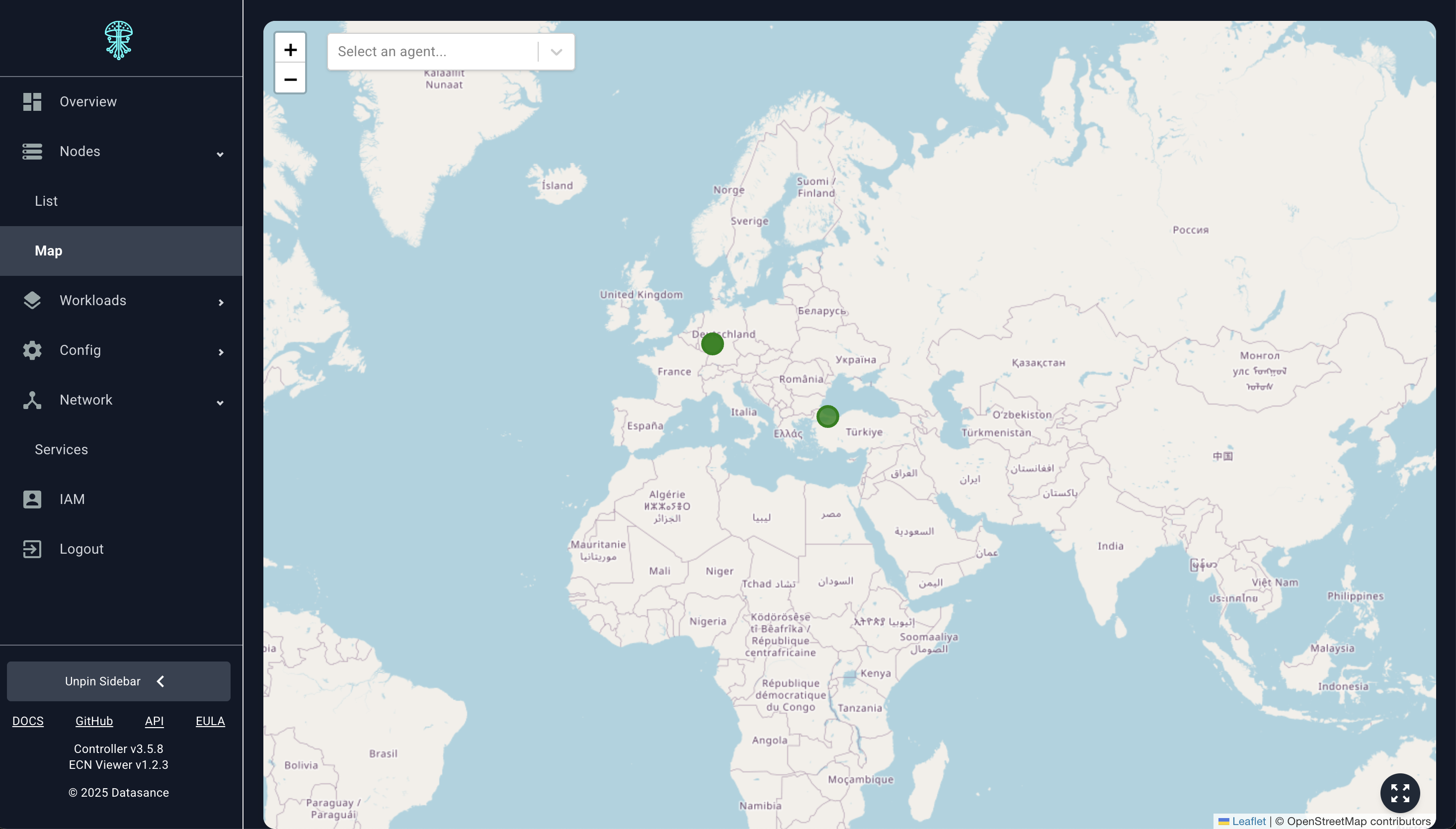
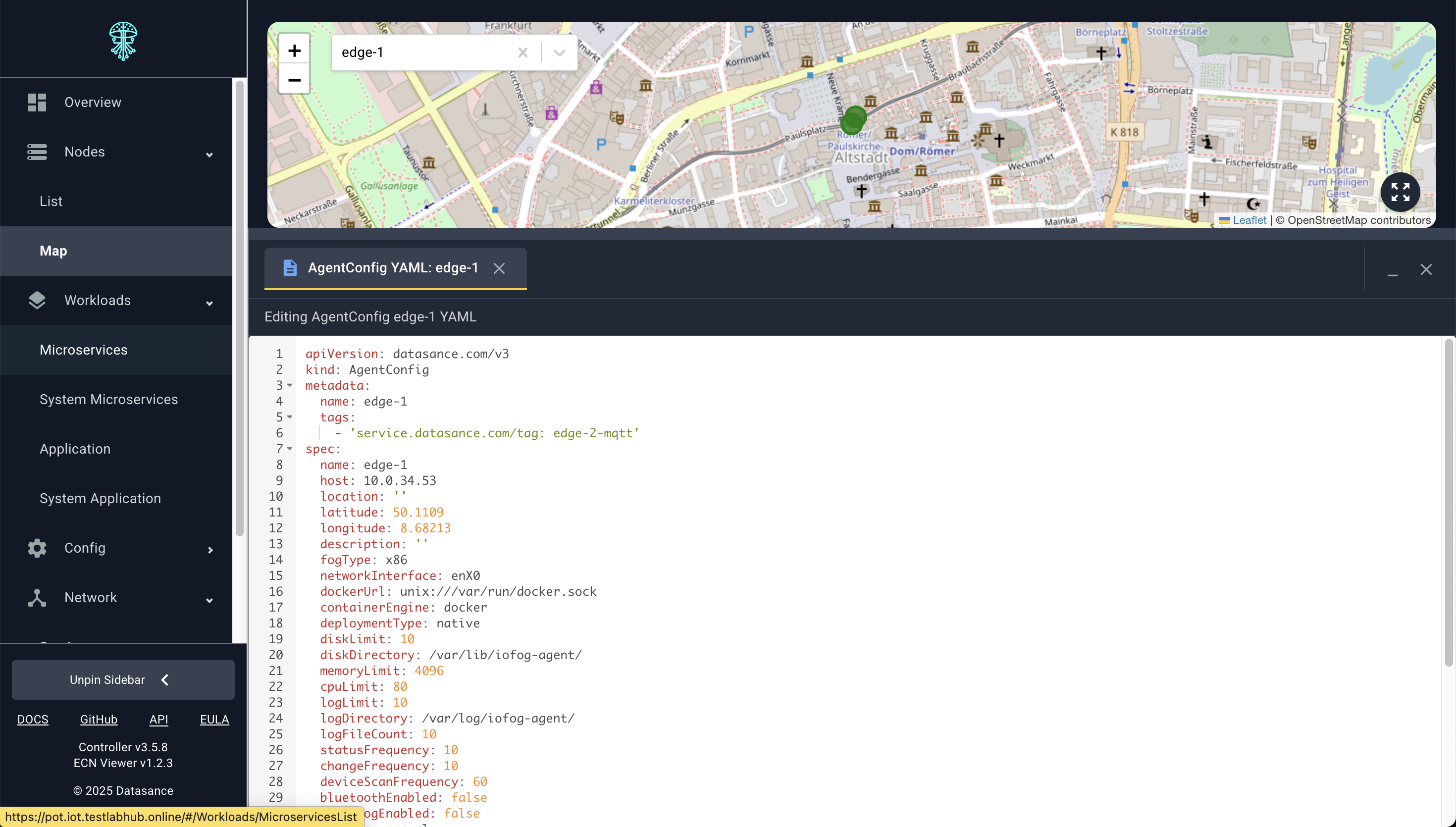
Geographic Map
Visualize Agents on a map to understand geographic distribution and reach.
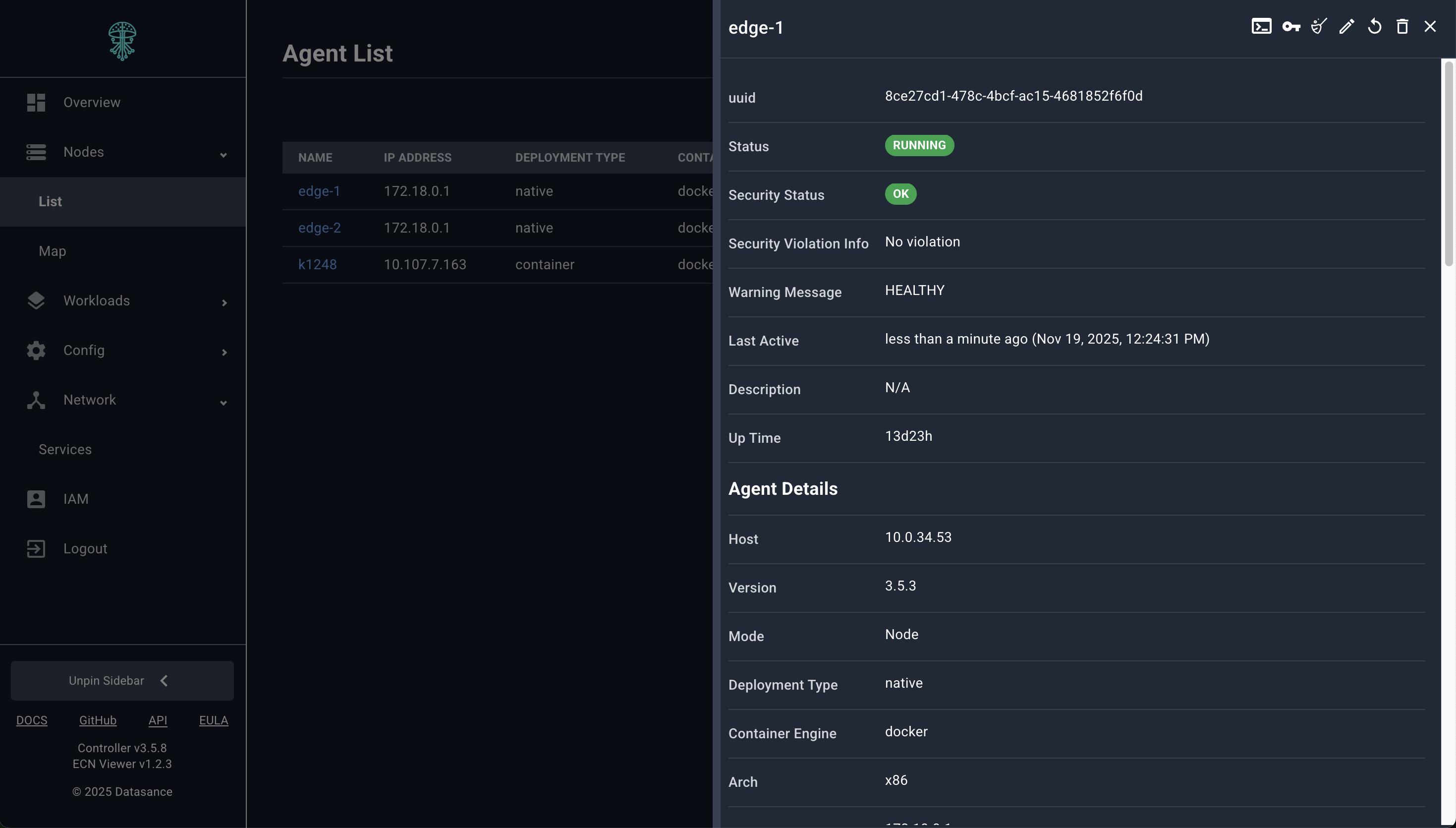
Detailed Insights
Each Agent slide-over exposes metrics, running microservices, routes, and connected resources.
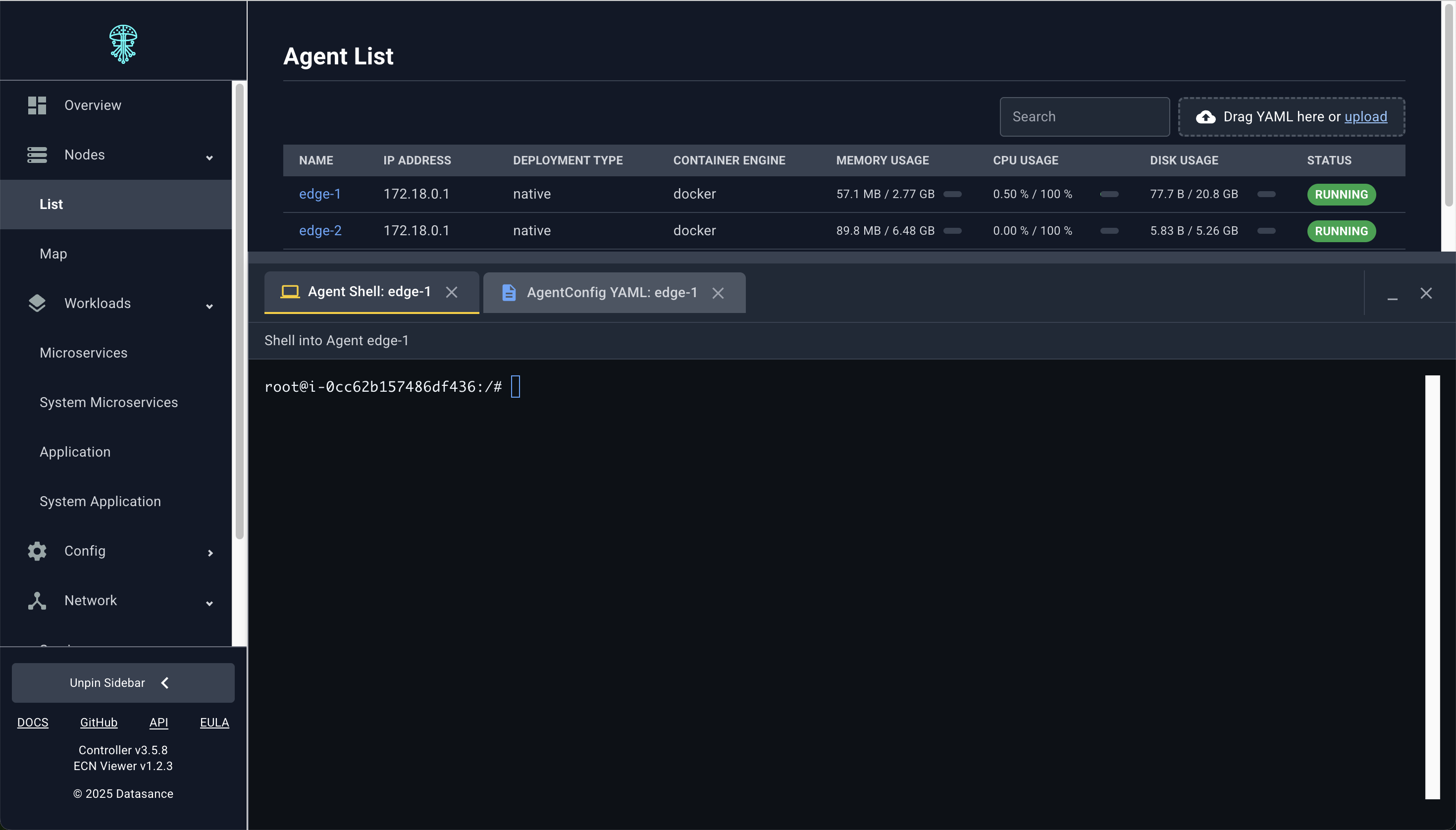
Remote Shell and Exec Sessions
Open an interactive terminal inside the Agent or microservice container for diagnostics—no SSH required.
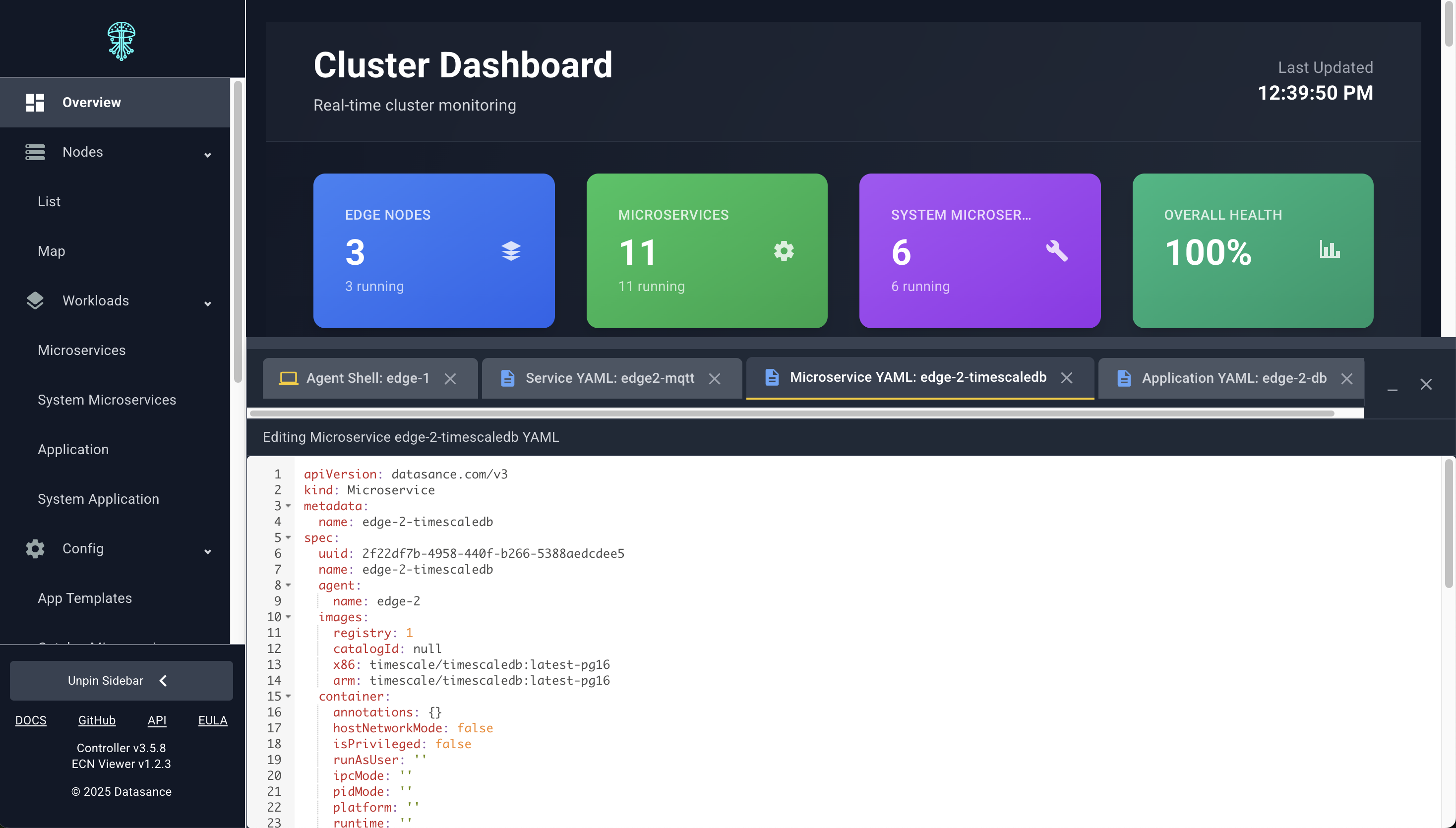
Declarative Editing
Edit the full Agent specification in YAML. Changes are validated and sent to the Controller just like potctl applies.
Workload and Application Management
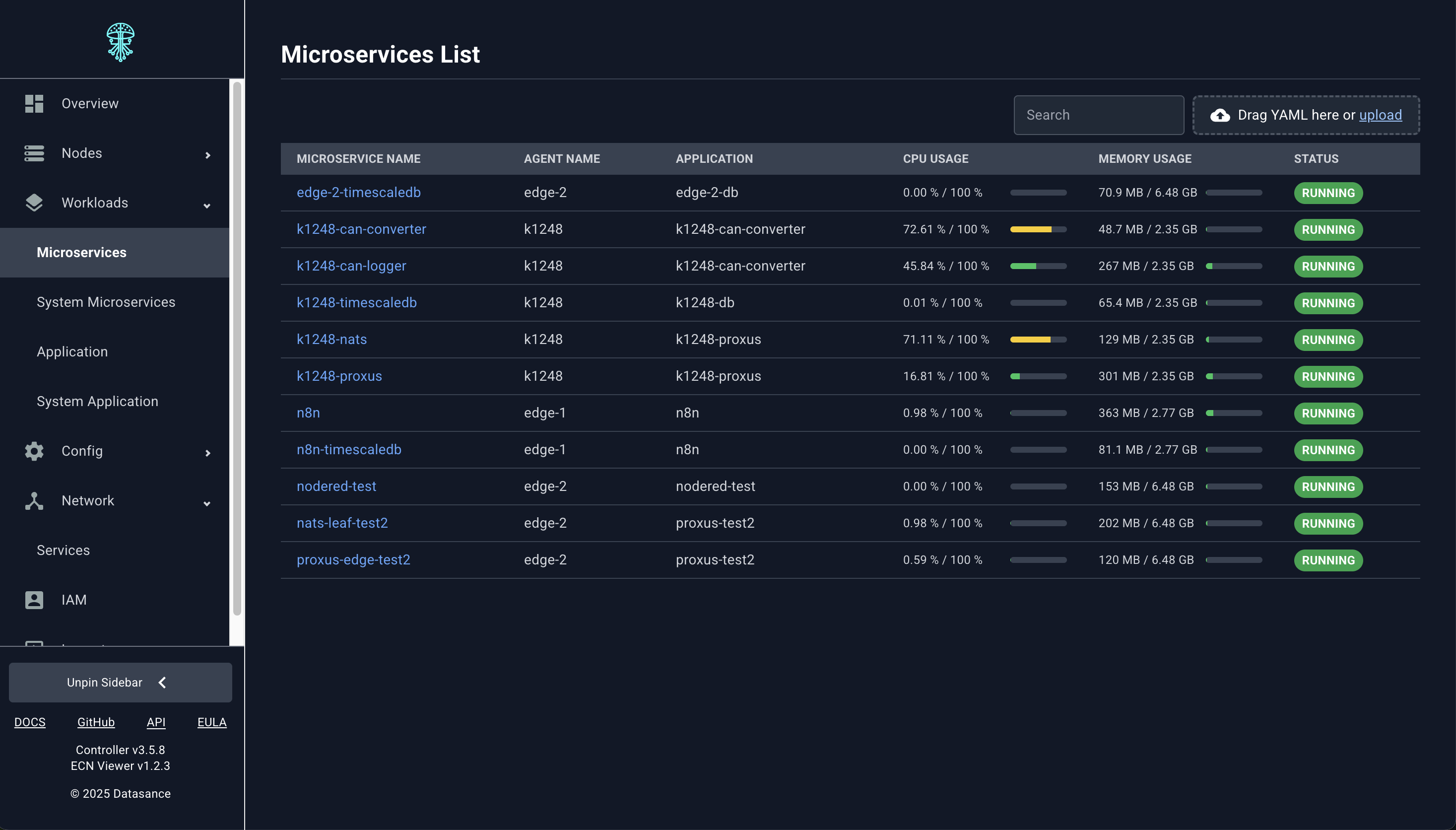
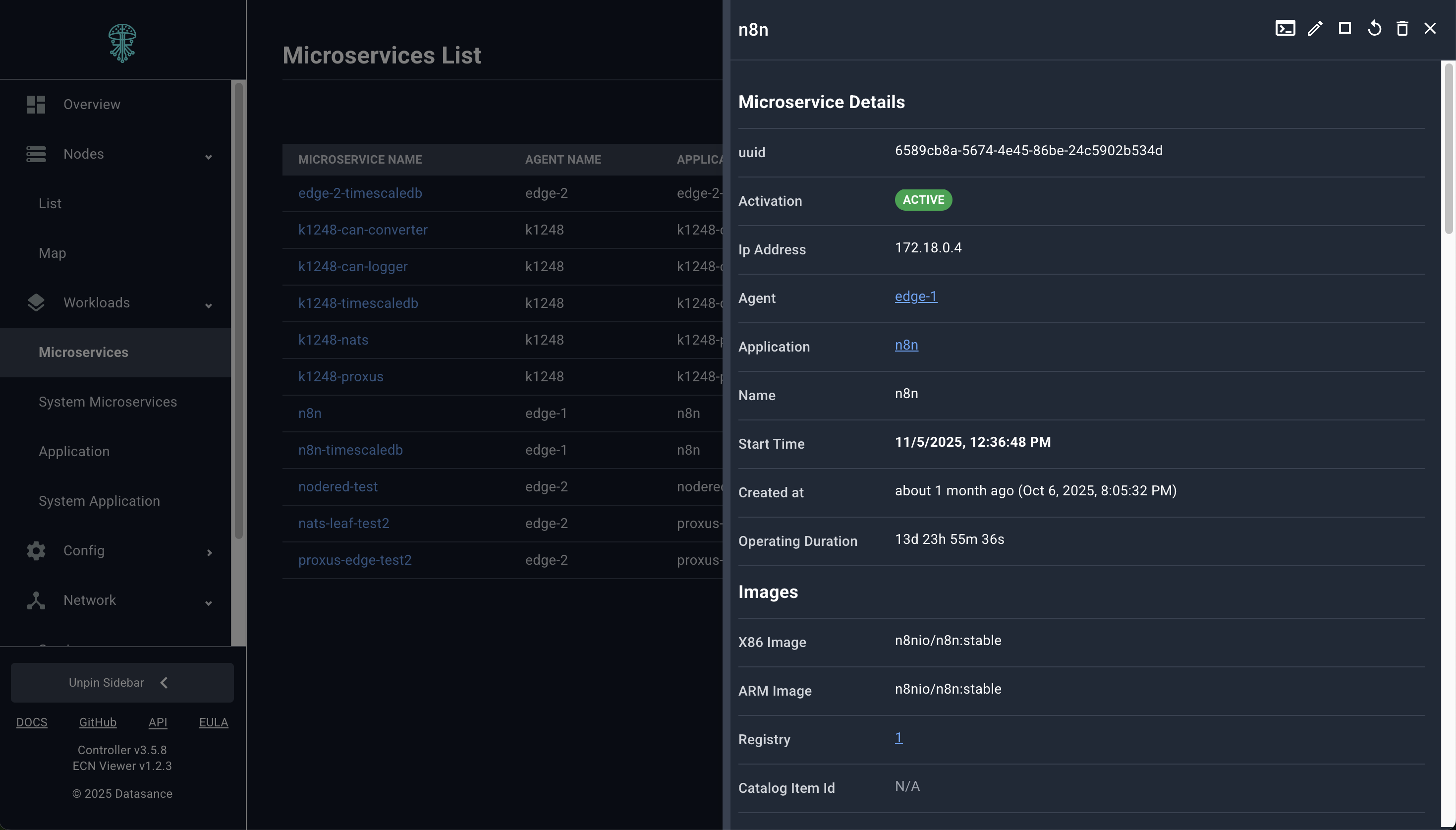
Microservice Inventory
List, filter, and drill into every microservice deployed across the ECN.
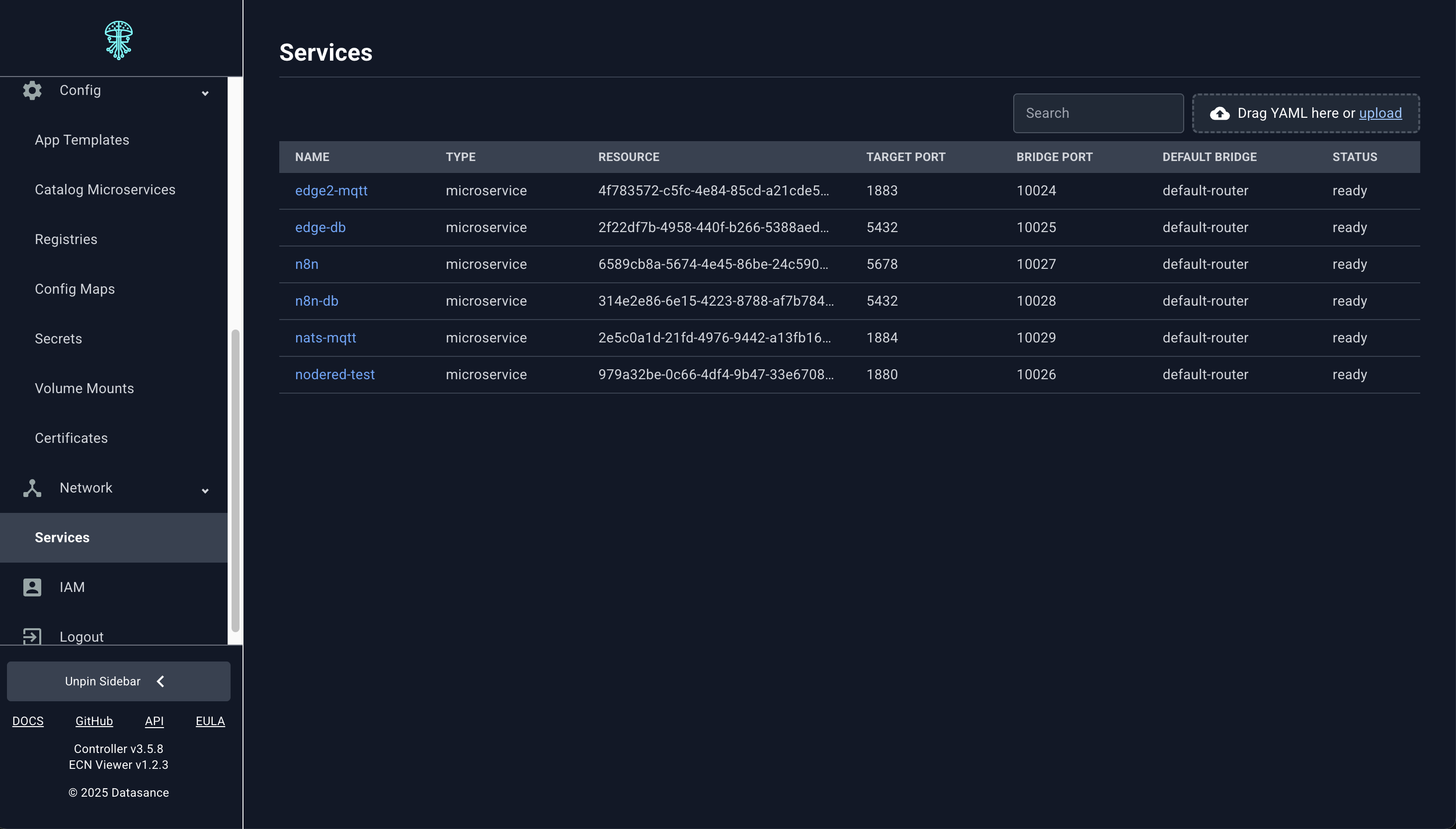
Services and Routing
Manage TCP bridge Services, dynamic routes, and traffic policies from the same interface.
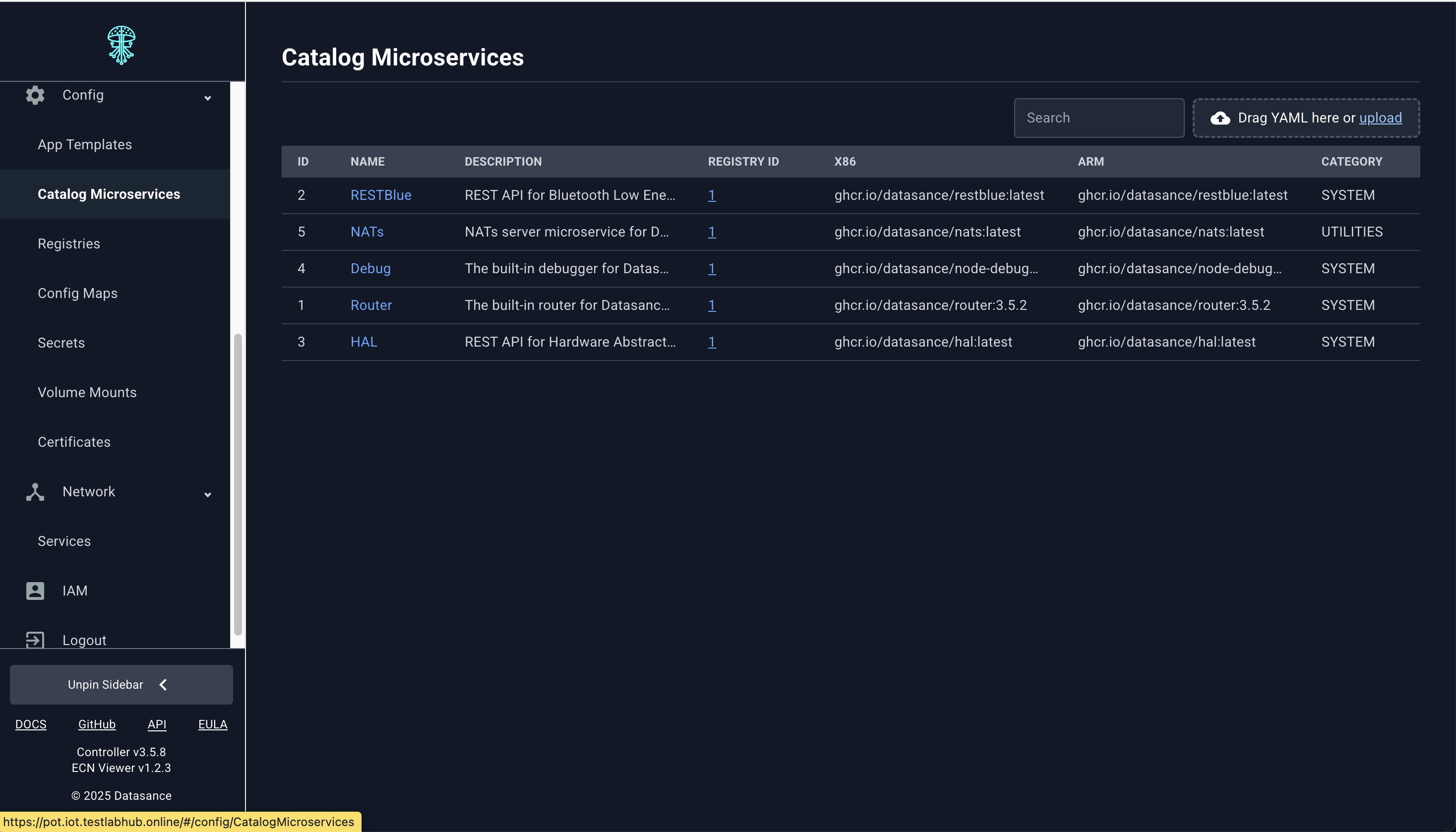
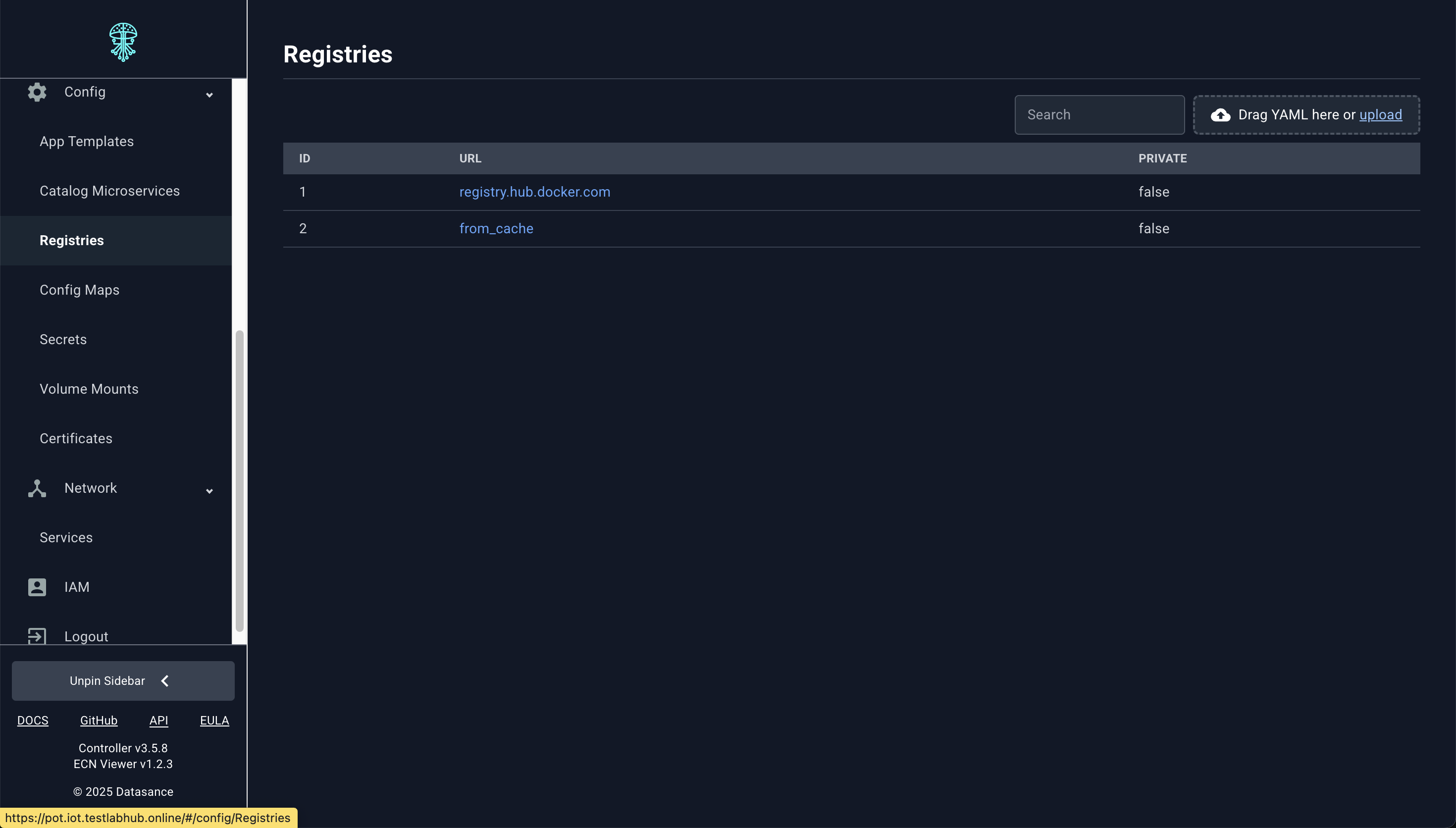
Catalogs and Registries
Browse controller-hosted catalog items and container registries; publish new versions or retag artifacts directly.
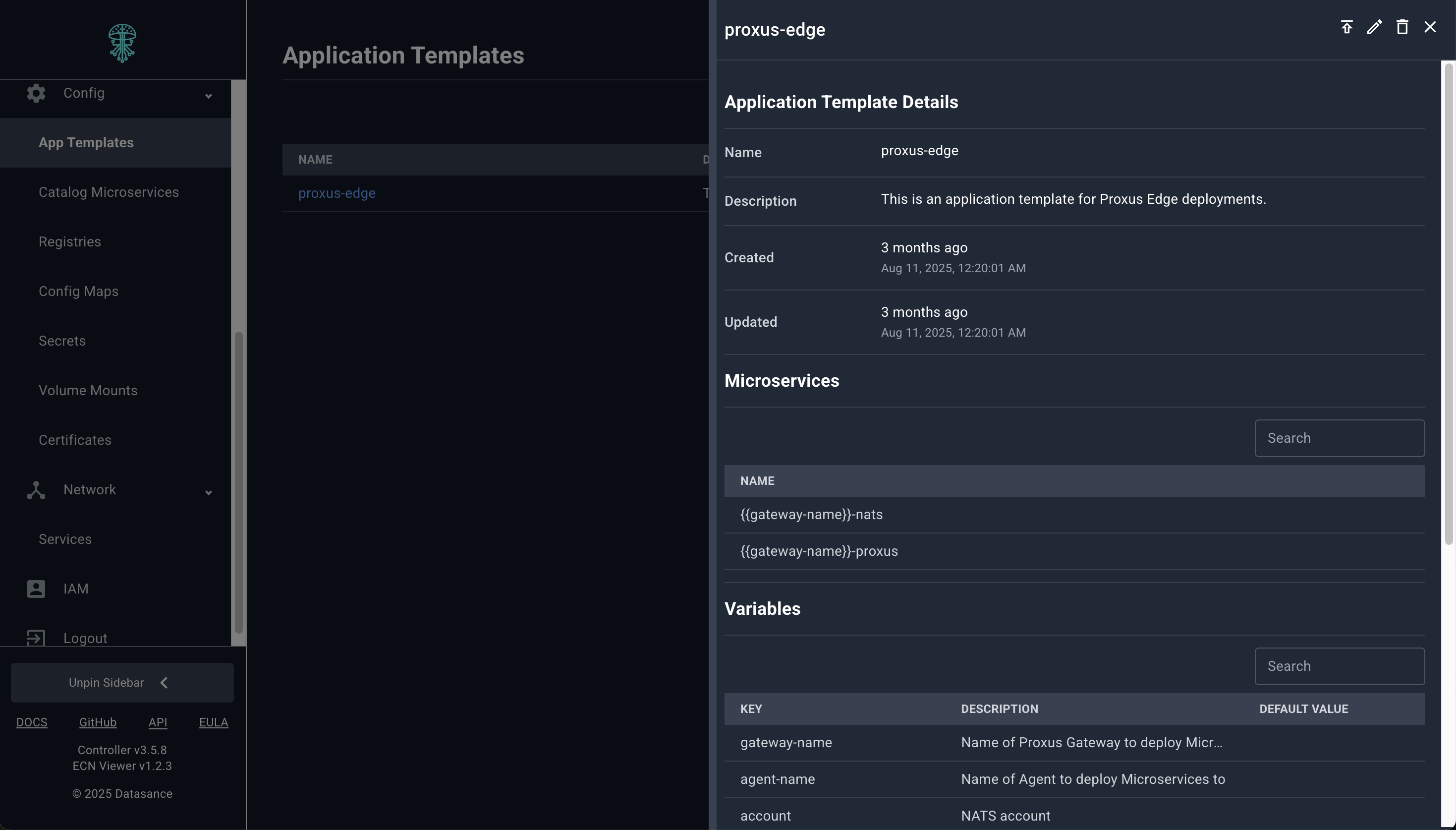
Application Templates and Deployments
Create or edit application templates, then instantiate them across Agents—all from the Viewer.
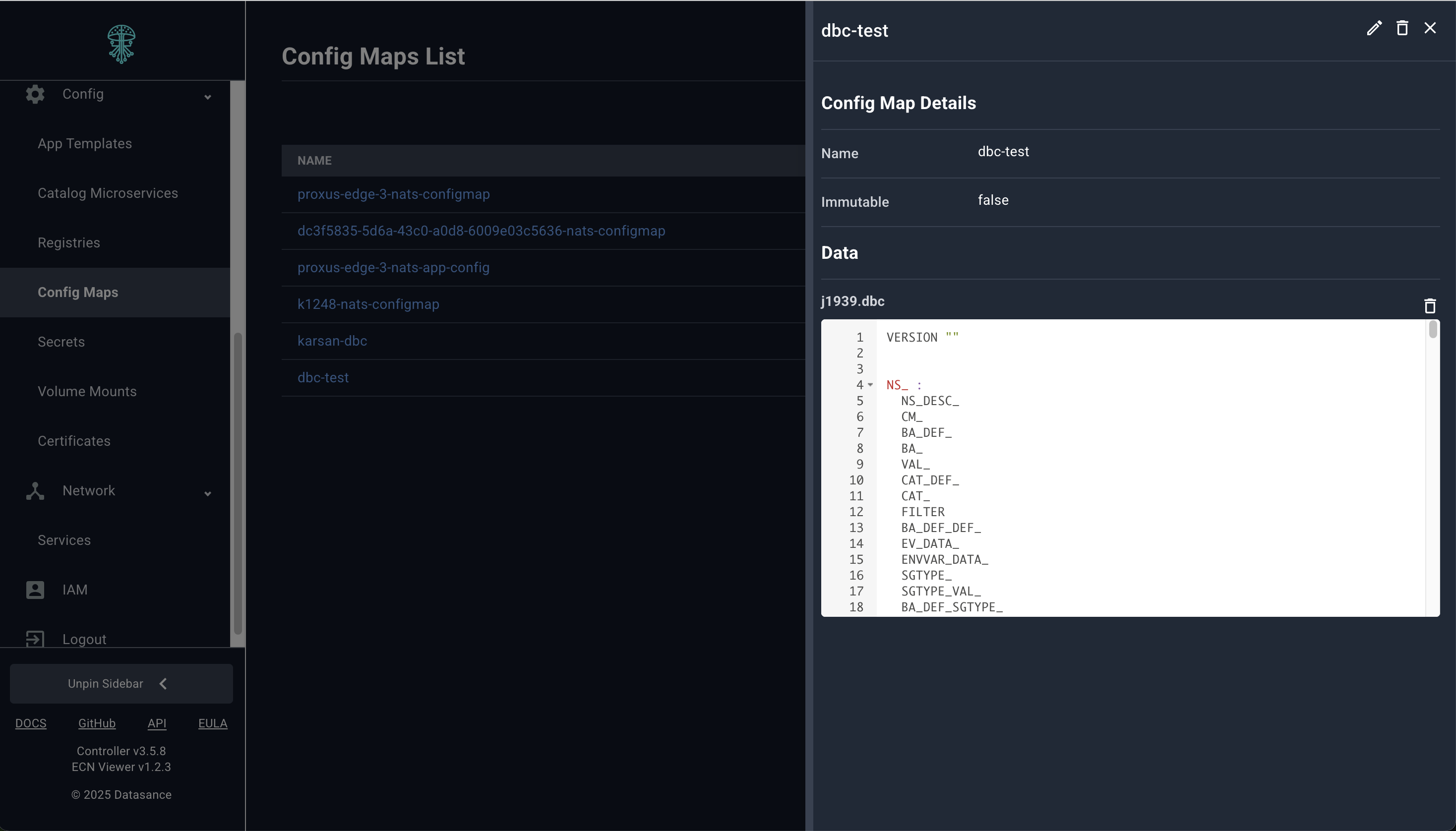
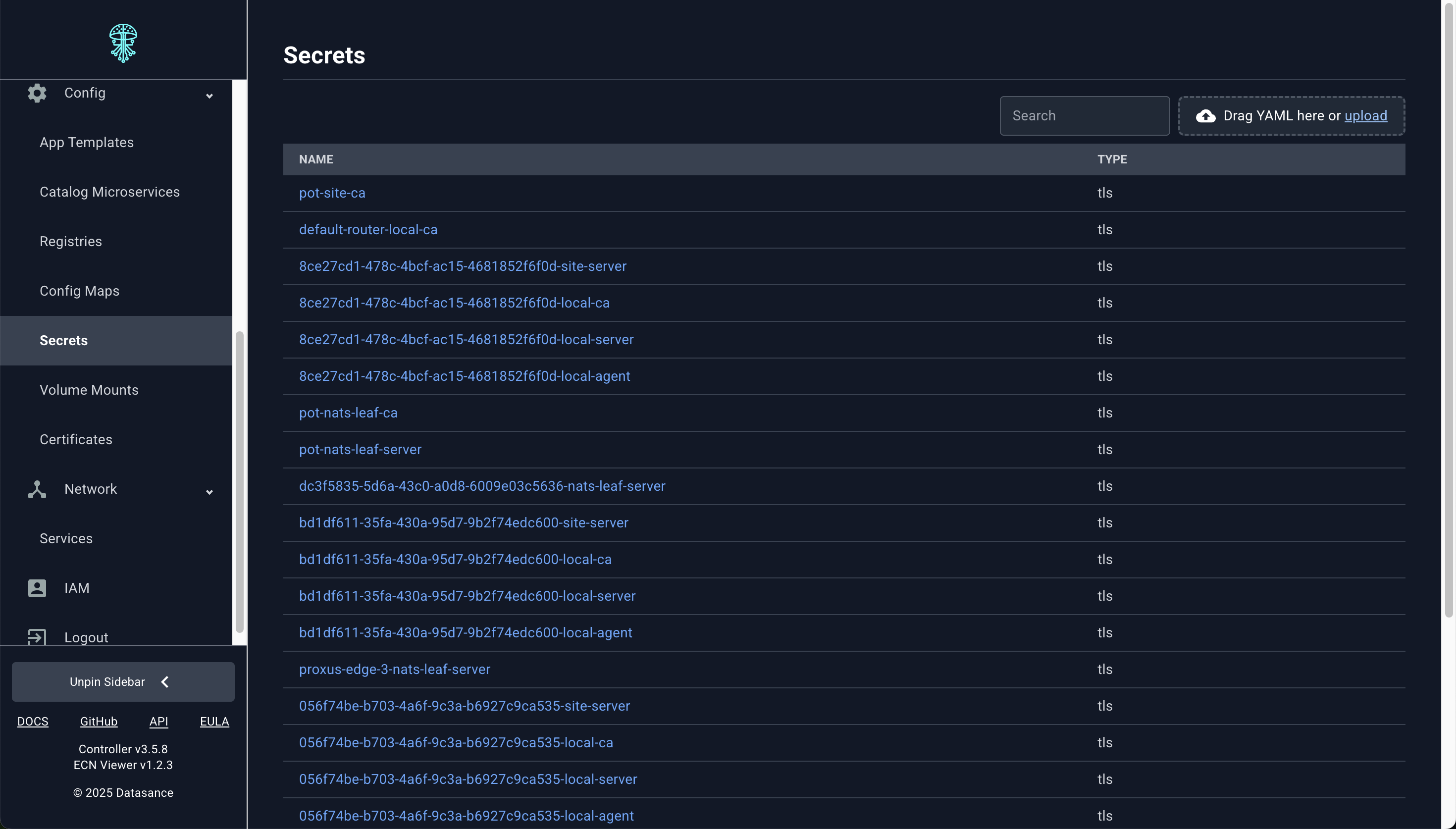
Resource Editors
ECN Viewer includes dedicated editors for every supporting resource type. Each editor provides form-based and YAML views so you can create, update, or delete resources the same way you would through potctl.
REST API Explorer
Need to exercise an advanced API surface? Use the embedded REST client to call the Controller directly. It ships with environment-aware authentication and request templates.
Operational Parity with potctl
- The Viewer uses the same RBAC model and audit trails, ensuring consistent governance.
- The only actions that still require potctl are initial deployment and upgrading of ControlPlane component and installation of Agents—the Viewer handles everything else.